
Buying social media accounts is no longer uncommon. However, how long you can use an account depends not only on its quality but also on how you manage and secure it. Some people may use their accounts for years, while others may run into problems within just a few days. If you have paid for an account, you likely desire to use it for as long as possible. To achieve that, security is one factor you should not overlook. In this guide, let's dive into how to secure purchased accounts for long-term use.
What Are Purchased Accounts?
Let’s start with the term “purchased accounts.” As the name suggests, purchased accounts are pre-created profiles that can be purchased from platforms or third-party sellers. These accounts typically already have an activity history, a certain number of followers, and some level of engagement, giving them several advantages over a newly created account.
As more sellers enter the social media account market, finding and purchasing accounts across different platforms has become easier than ever. On top of that, each type of account can be further divided into different categories. For example, buyers looking to buy aged Facebook accounts can find options such as Aged Facebook accounts, USA Facebook accounts, and Facebook accounts with 2FA. Depending on their specific needs, buyers can choose one that best suits their requirements.
That said, buying, selling, and transferring digital accounts vary by platform, so buyers should review the platform’s current terms before purchasing or using any account.
Why Do People Buy Social Media Accounts?
More people are turning to buy social media accounts rather than starting from scratch. In general, this approach can offer several practical benefits.
1. Start With Established Credibility
Credibility is not something that can be built overnight. With an account that has been active for a while, credibility has already been established to some extent. When users come across an account with an established follower base and a history of active engagement, they may perceive it as having a real presence on the platform. Clearly, compared with an account created just five minutes ago, a purchased account with an existing history creates a more trustworthy first impression.
2. Save Time and Effort
Growing an account from scratch requires consistent effort to brainstorm ideas, create content, publish regularly, and maintain engagement with other users. This process can take months or even years. Not to mention, if the results do not come quickly, many people easily give up halfway. By purchasing a pre-created account, you can skip the time-consuming initial stage and focus on your goals sooner. This can save a significant amount of time and effort that would otherwise go into building the account from the ground up.
3. Find the Right Account for Your Needs
Everyone buys social media accounts for various needs and specific purposes. For example, U.S. Instagram accounts may be suitable for those looking to reach the U.S. market, while Aged Instagram accounts may appeal to users interested in account age. Some users may also look for Instagram accounts with specific characteristics based on their individual requirements. With a diverse selection of accounts from providers, it is easier to find accounts that match your needs.
Why Secure Your Account Immediately After Purchase?
Buying digital accounts can certainly bring practical benefits. However, if you do not know how to secure purchased accounts, all those benefits can quickly be undermined. So, securing purchased accounts is an important step that should not be overlooked.
First, purchased accounts were previously under someone else's control before you owned them. This means that certain login credentials or recovery methods may still be linked to the previous user. If important information such as the password, recovery email, or phone number is not properly updated, outdated credentials or recovery methods may create a risk of unauthorized access or recovery attempts. Therefore, taking the necessary steps to protect your account reduces the risk of losing access.
Additionally, established accounts may still have login sessions or connections to third-party apps and services that you do not use. If these connections are left in place, unfamiliar devices or unnecessary applications may continue to access your account. This can cause unnecessary inconvenience.
More importantly, securing your account from the start creates a stronger foundation for long-term account security. Instead of only addressing issues after they arise, you should proactively set a new password, enable two-factor authentication, and review your security settings immediately after taking control of the account.
How to Secure Purchased Accounts: Best Practices for Long-Term Use
Purchasing a suitable account is only the first step. Properly securing your account is crucial for maintaining control and mitigating security risks in the long run. Here is how to secure purchased accounts that you can apply in 2026.
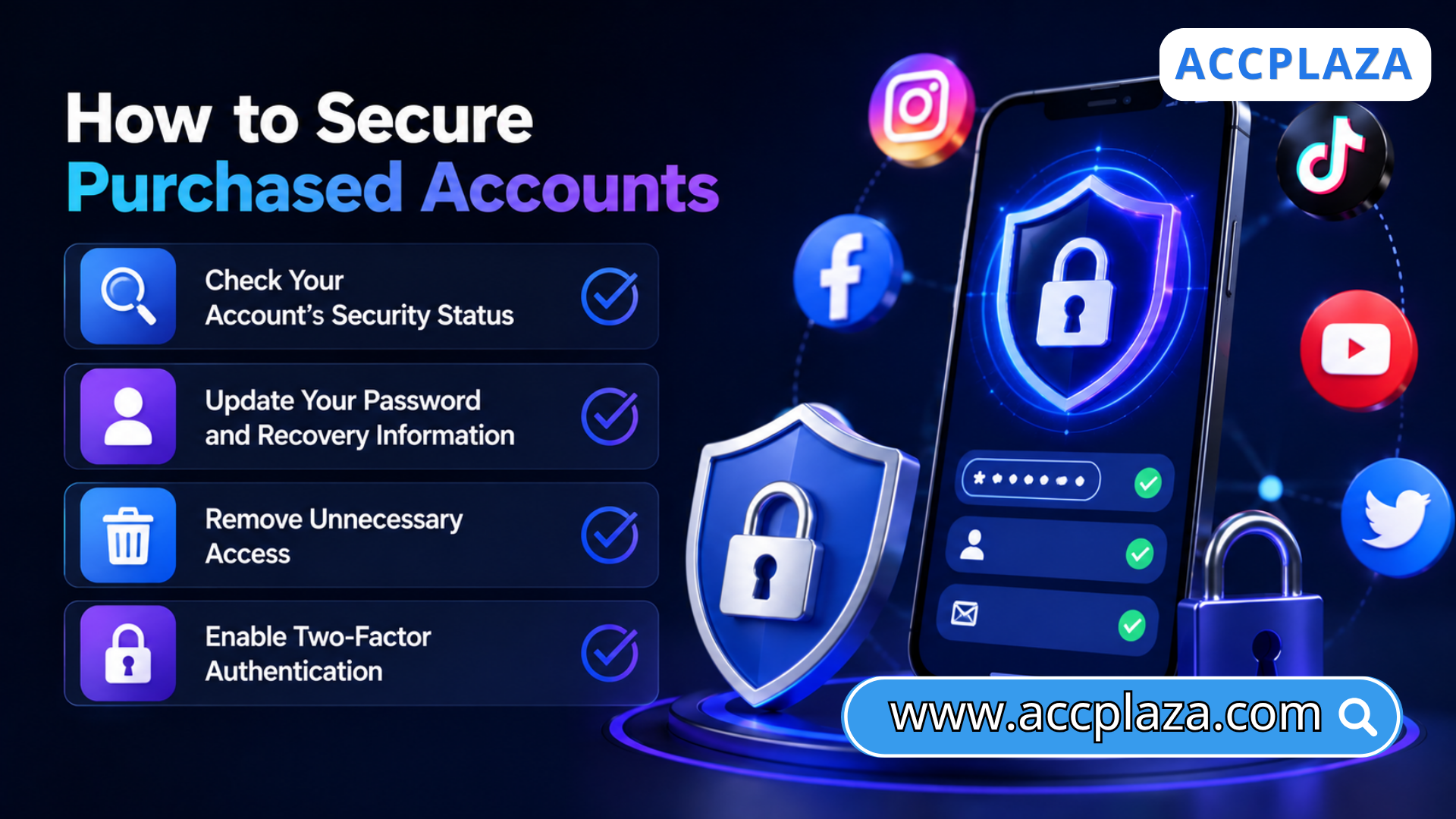
1. Check Your Account’s Security Status
Start by reviewing your account’s security status to understand its current condition. First, confirm that you can log in normally. Then, review important information such as email, phone number, recovery methods, and devices currently logged into the account.
Don't forget to look for any unusual activity in the past by checking security alerts or recent login activity. Checking these details from the beginning helps you understand the account's current status and identify any information that needs updating before regular use. This is an important first step in learning how to secure purchased accounts and maintain control over them.
2. Update Your Password and Recovery Information
Once you understand the account’s current security status, it is time to update the key information that directly affects your control of the account. Start by changing the password to a strong, unique password that has not been used on any other account. Then, update your recovery email address and phone number to ones that you currently control.
These may seem like small changes, but they can make a significant difference. Updating this information reduces the risk of the old login credentials being used to access your account and gives you more control if you need to recover access in the future.
3. Remove Unnecessary Access
Remember that you bought the account from someone else. The account may still have active sessions on old devices or connections to third-party apps and services. As a result, it is important to remove unnecessary access as soon as possible. You need to check the devices previously connected to the account and remove any unfamiliar ones. At the same time, review the third-party apps connected to the account and revoke access for any applications you do not recognize or no longer need.
Removing unnecessary access helps eliminate leftover access points from the previous user and reduces the risk of unfamiliar devices or unwanted applications continuing to access your account.
4. Enable Two-Factor Authentication
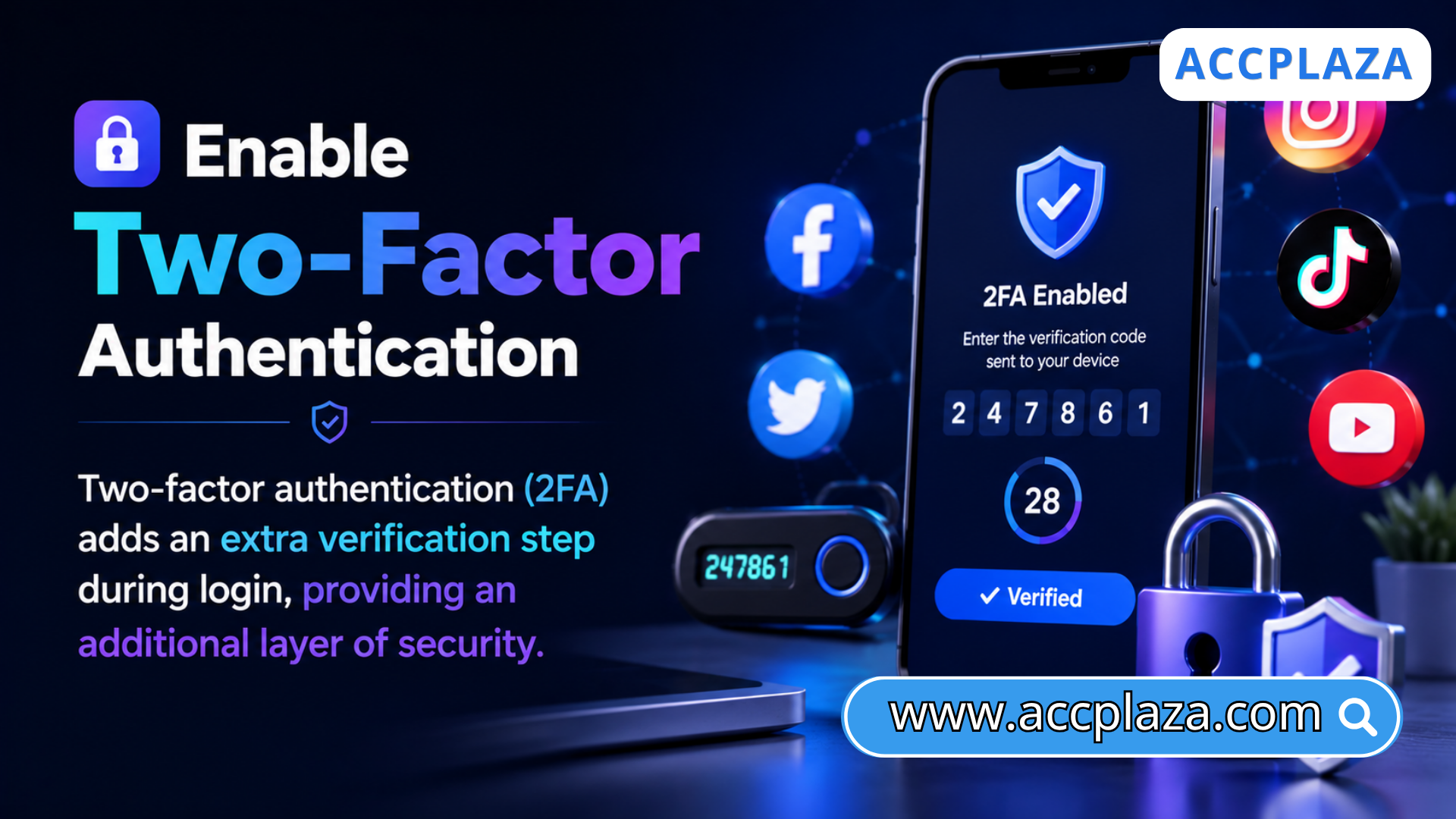
Your password should not be the only layer of protection for your account. Two-factor authentication (2FA) adds an extra verification step during login, providing an additional layer of security. Even if someone obtains your password, they will still need to complete the additional verification step to access the account. This makes unauthorized access more difficult.
Besides, prioritize an authenticator app over SMS. SMS can be exposed to risks such as phishing and SIM swapping. So, codes generated through an authenticator app are generally considered more secure. Enabling 2FA is one of the simplest yet most effective ways to strengthen security and maintain control of your account over the long term.
Account security is important, but rushing the process can ruin everything. Instead of trying to change everything at once, focus first on information that directly impacts your ability to control and recover your account, such as your password, email, and recovery phone number. Making changes carefully and step by step allows you to avoid unnecessary adjustments and establish a more stable setup for long-term use.
Hopefully, this guide has helped you learn how to secure purchased accounts safely and effectively. Checking the account’s security status, updating important information, revoking unnecessary access, and enabling two-factor authentication are all practical steps to strengthen the security of purchased digital accounts. When properly secured and managed, these accounts can be used more stably over the long term. However, security is only part of the story. All security measures are only worthwhile when you buy a quality account from a trustworthy seller. If you are looking for a marketplace for social media accounts, AccPlaza is worth considering.

Thank you for taking the time to read this article.
For more information, please contact us at ACCPLAZA.